模拟器设置
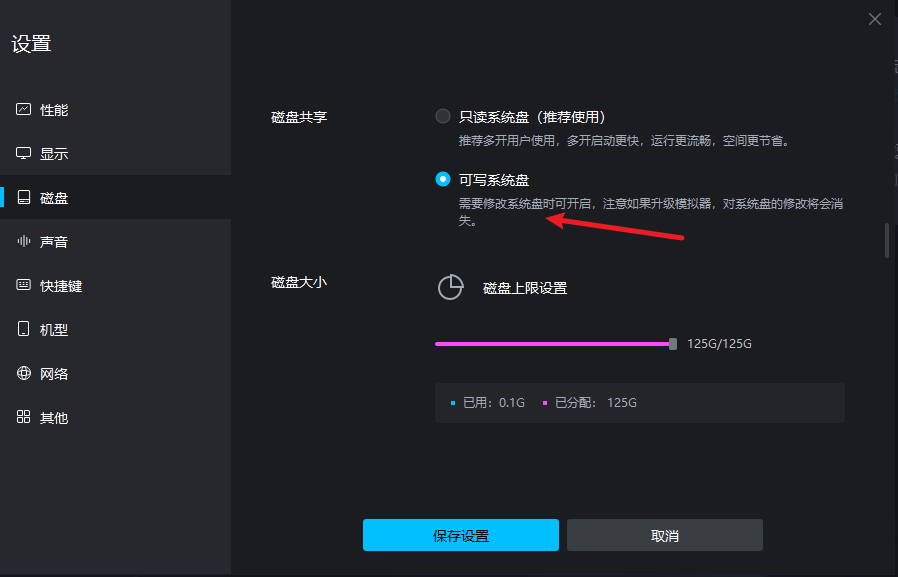
- 在 “磁盘” 中将 “磁盘共享” 改为“可写系统盘”。
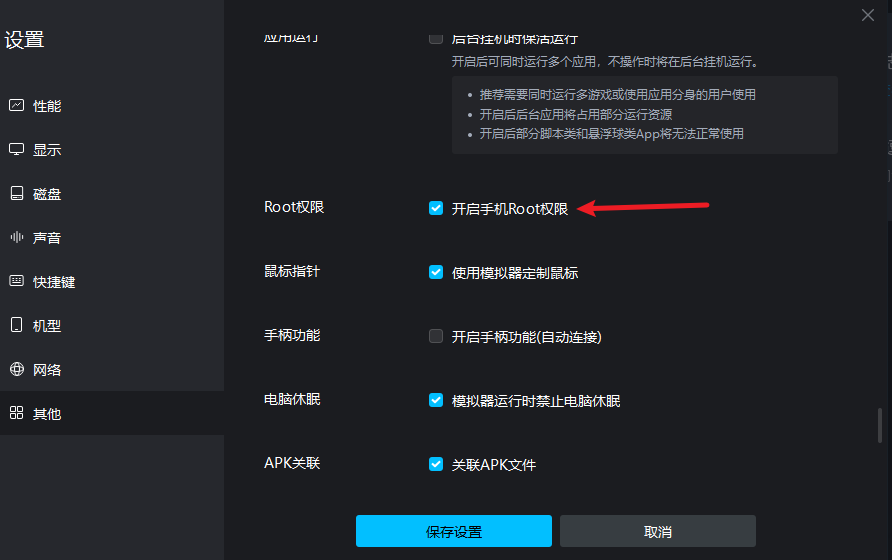
- 在 “其他” 中将 “开启手机 Root 权限” 选中。
保存设置,然后重启模拟器。
安装 adb 和 openssl
下载 adb: https://adbdownload.com/
注意:经过测试,可以不用安装 adb,使用模拟器自带的工具 root explorer。见后面步骤
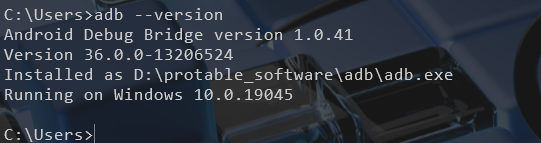
下载后将压缩包解压,将 adb 写入环境变量,打开命令行进行校验是否安装成功。
下载 openssl: https://slproweb.com/products/Win32OpenSSL.html
建议在安装时,不要拷贝到系统目录下(如下图),如果其他软件使用的 OpenSSL 版本与你安装这个版本不同,可能导致该软件无法使用。所以让这些 dll 待在 OpenSSL 安装目录下即可。
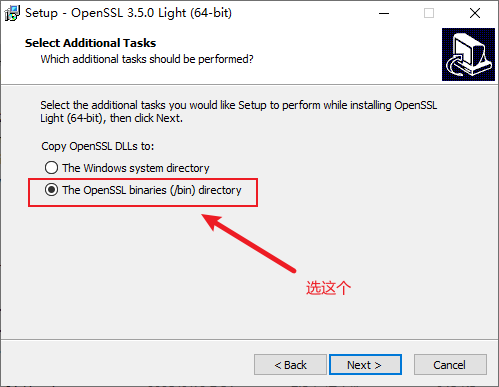
把 openssl 安装路径 bin 的路径(例如 C:\Program Files\OpenSSL-Win64\bin)加入到操作系统的系统环境变量 Path 中。验证是否成功安装。

导入 burp 证书
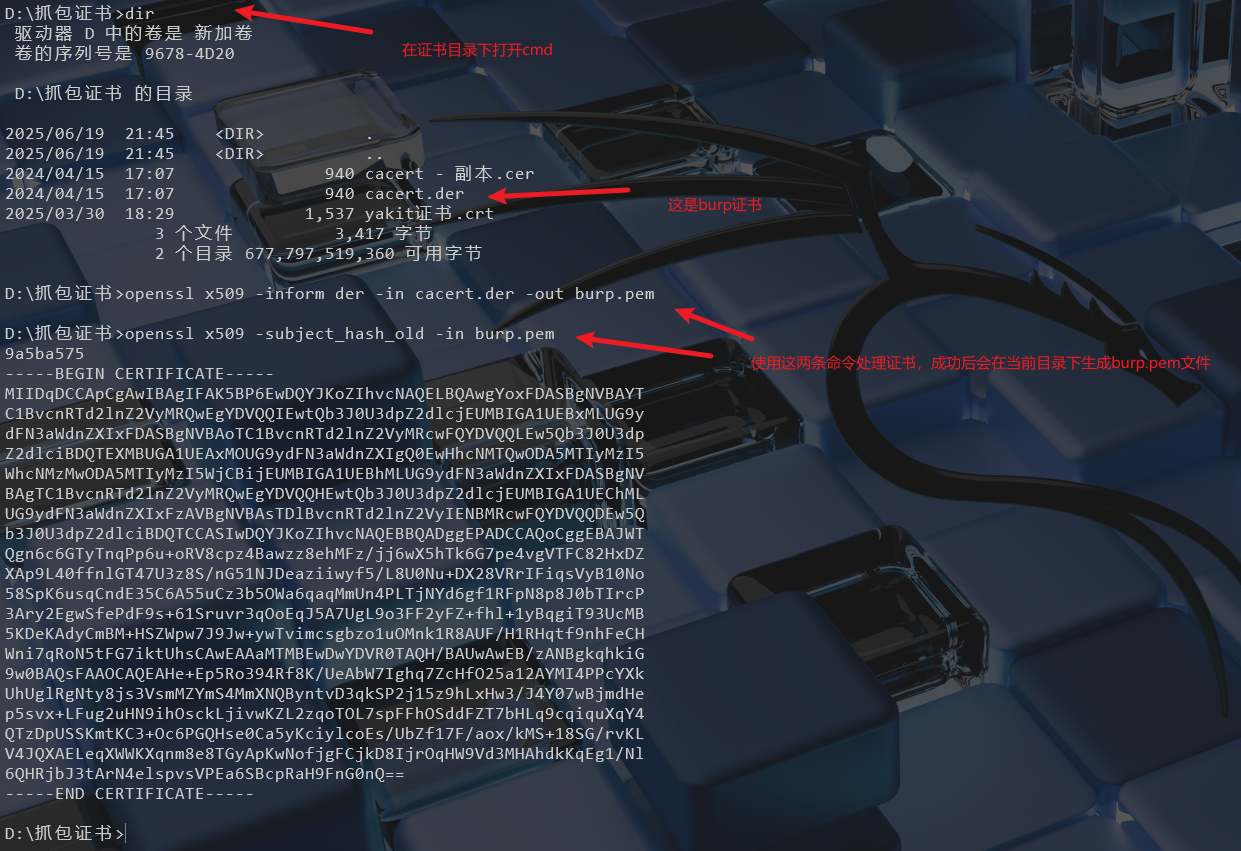
使用 openssl 处理 burp 证书,输入以下命令
openssl x509 -inform der -in cacert.der -out burp.pem
openssl x509 -subject_hash_old -in burp.pem
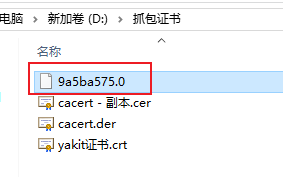
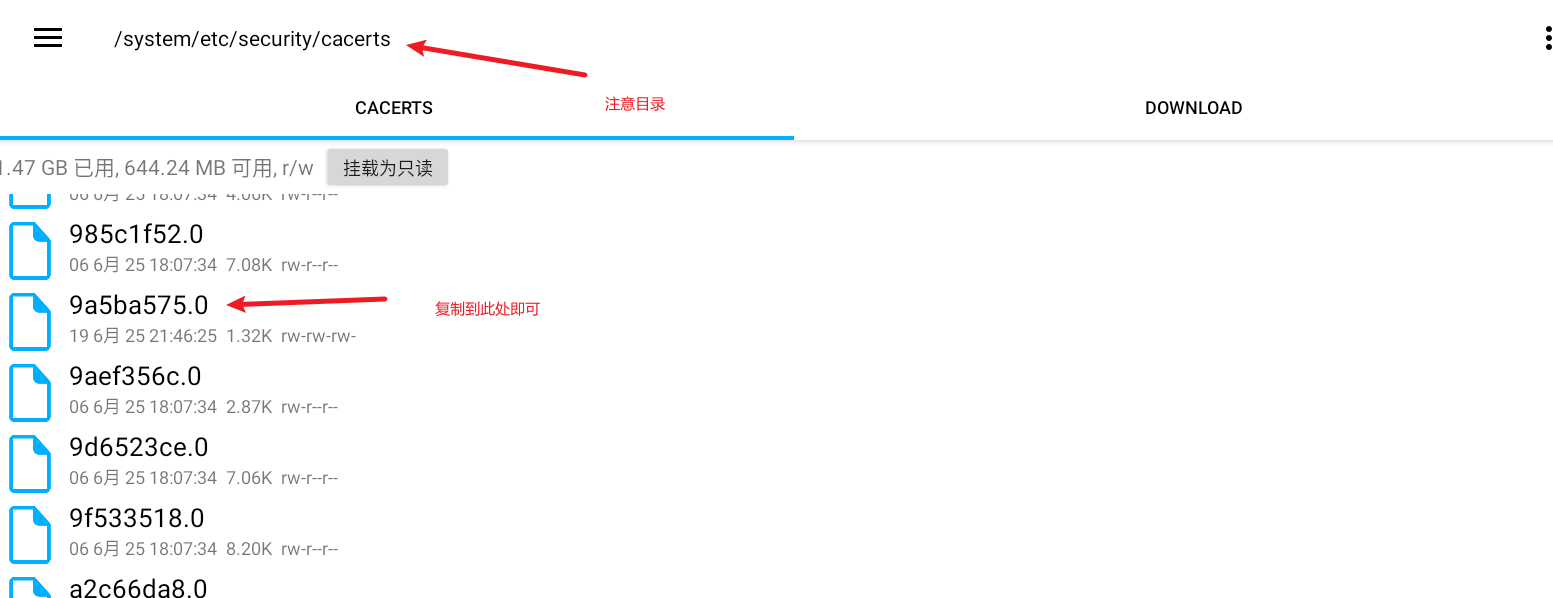
将生成的 burp.pem 改名为 9a5ba575.0 (注意文件后缀为 .0),传入 mumu 目录 /system/etc/security/cacerts/
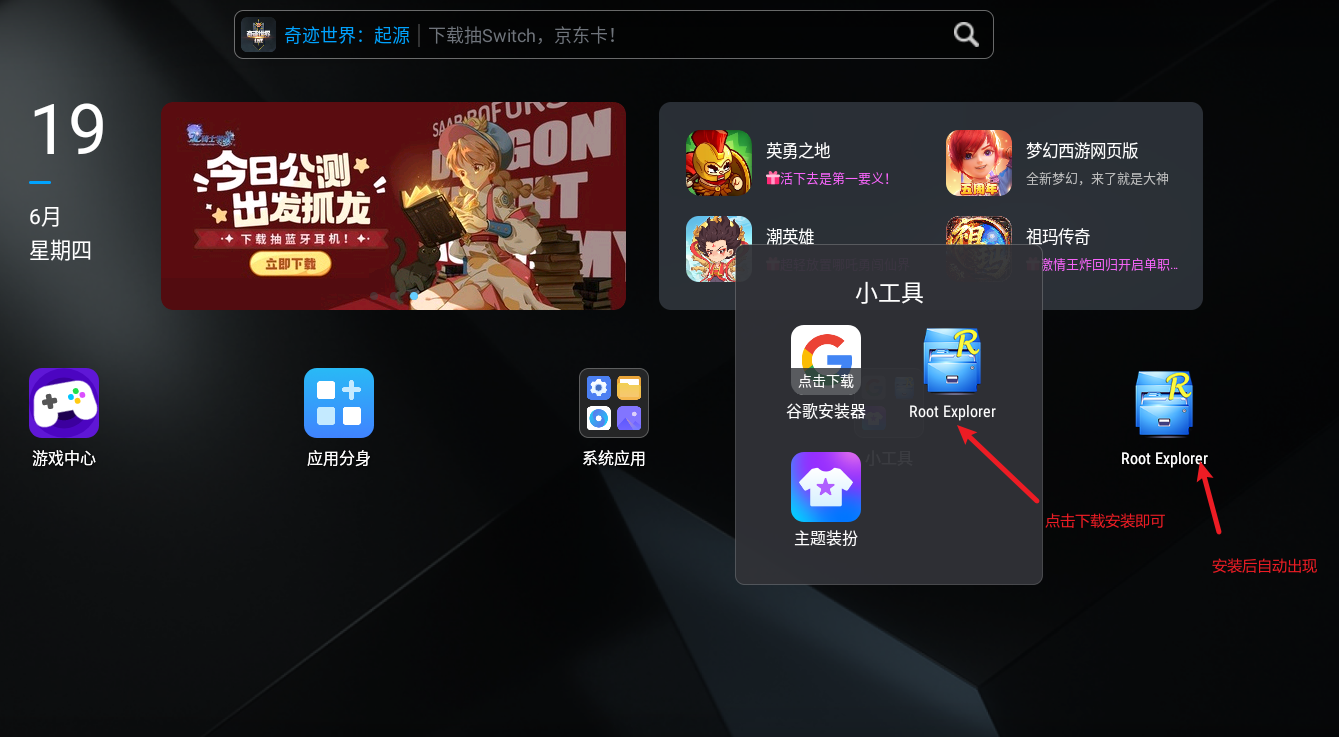
这里我没有使用 adb,而是使用的 root explorer 这个工具,这是 mumu 模拟器自带的工具(如下图)。打开小工具,然后点击下载即可。
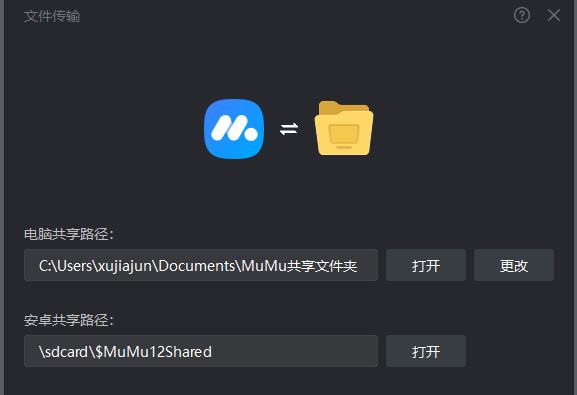
利用 mumu 模拟器的文件共享,可以先将 9a5ba575.0 文件上传到模拟器的 download 文件夹下
在通过 root explorer 工具将 9a5ba575.0 文件复制到 /system/etc/security/cacerts/ 目录下
抓包
修改网络的代理配置,就可以在 burp 中抓取数据包啦
使用 adb 上传
D:\Files\下载>adb devices
* daemon not running; starting now at tcp:5037
* daemon started successfully
List of devices attached


D:\Files\下载>adb connect 127.0.0.1:16416
connected to 127.0.0.1:16384

D:\Files\下载>adb root

D:\Files\下载>adb push 9a5ba575.0 /system/etc/security/cacerts/
9a5ba575.0: 1 file pushed, 0 skipped. 0.0 MB/s (1348 bytes in 0.047s)
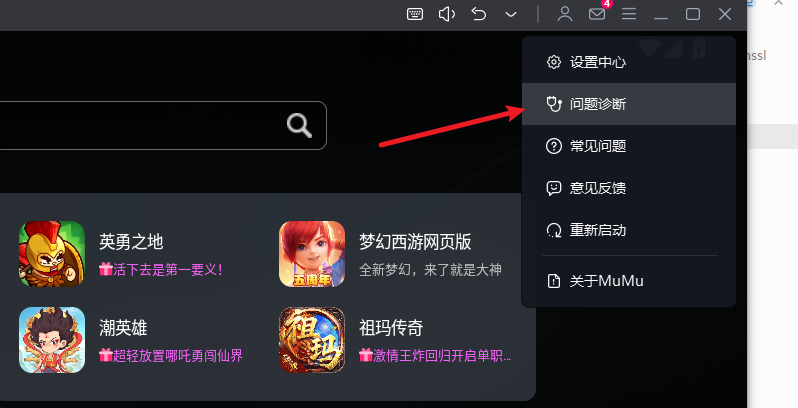
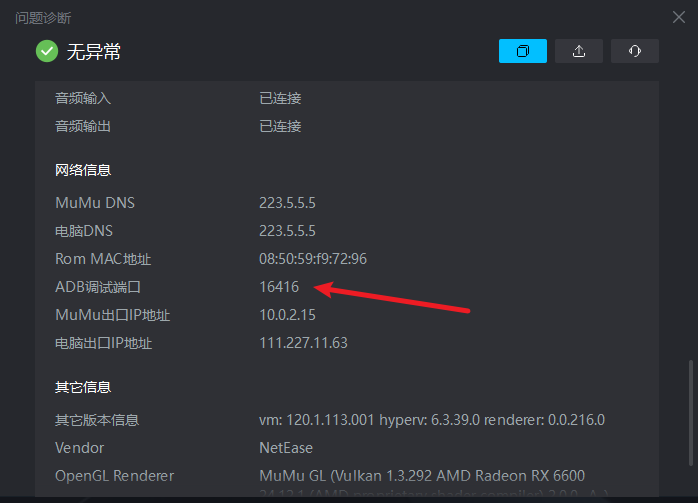
模拟器的 adb 调试端口可以在问题诊断中看到